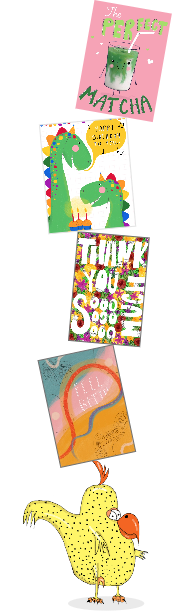
We have set up a function that allows you to set reminders for all manner of important dates on which you may wish to send a special Card-toon for a special friend, colleague, or family member.
To access your reminders:
After you log on, go to MY ACCOUNT from any page on the website.
Look to the top, center page to the Account Control Center.
Click on REMINDERS . You will be taken to your personalized .Rubber Chicken Cards "Reminders page".
Follow the clearly labeled instructions to set important reminders.
As you will see, we have organized this function to allow you to be reminded of virtually any important upcoming date.
If you wish to ask your friend and family for their special event dates, you can process a request from this reminders section with "add and event." When your friends respond, you will be reminded in time to send a new card and never miss the date.
Note: As it tells you in the instructions, you enter the date you wish to send the card and we will send you a reminder one week prior to the date you have set.
As you will see, we have organized this with a category function, alphabetized to include almost any occasion you can think of. Conveniently, you can then go right back to your rubberchickencards.com categories and find a card suitable to your needs.